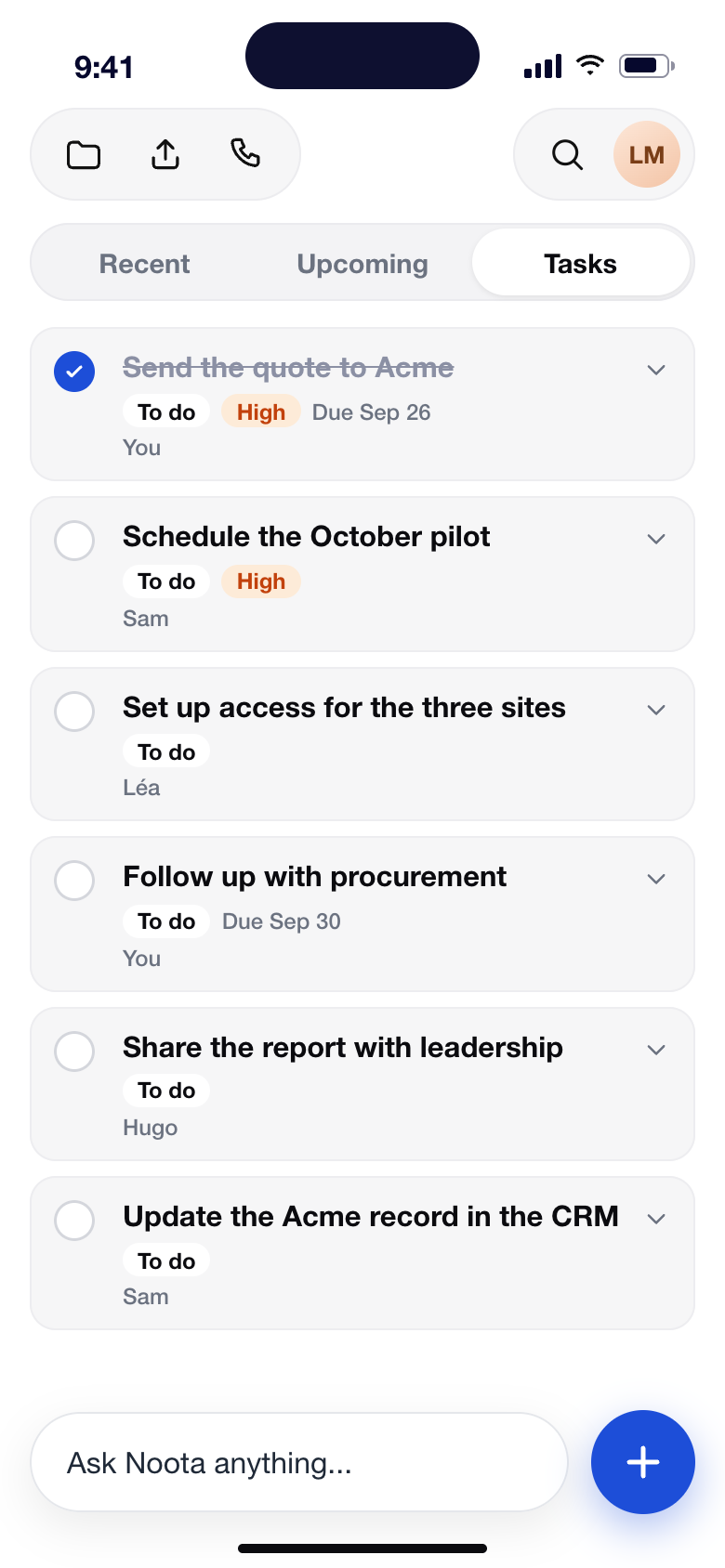









The sovereign AI Assistant that follows you everywhere

On your desktop, in your inbox and on your phone: Noota remembers every conversation and gets the work done for you.
Data hosted in Europe

No bot joins your call

GDPR compliant, ISO 27001 practices

The sovereign alternative

Chosen by people from the best organisations around the world

and thousands of other teams across Europe.

95

Say Noota keeps meetings focused*

6.4

Saved per week per member on average

80

Fewer administrative tasks

*Internal survey of Noota users, 2026.

ㅤ

From the brief to the follow-up, Noota handles every meeting.

Before the meeting
During the meeting
After the meeting
Your brief is waiting

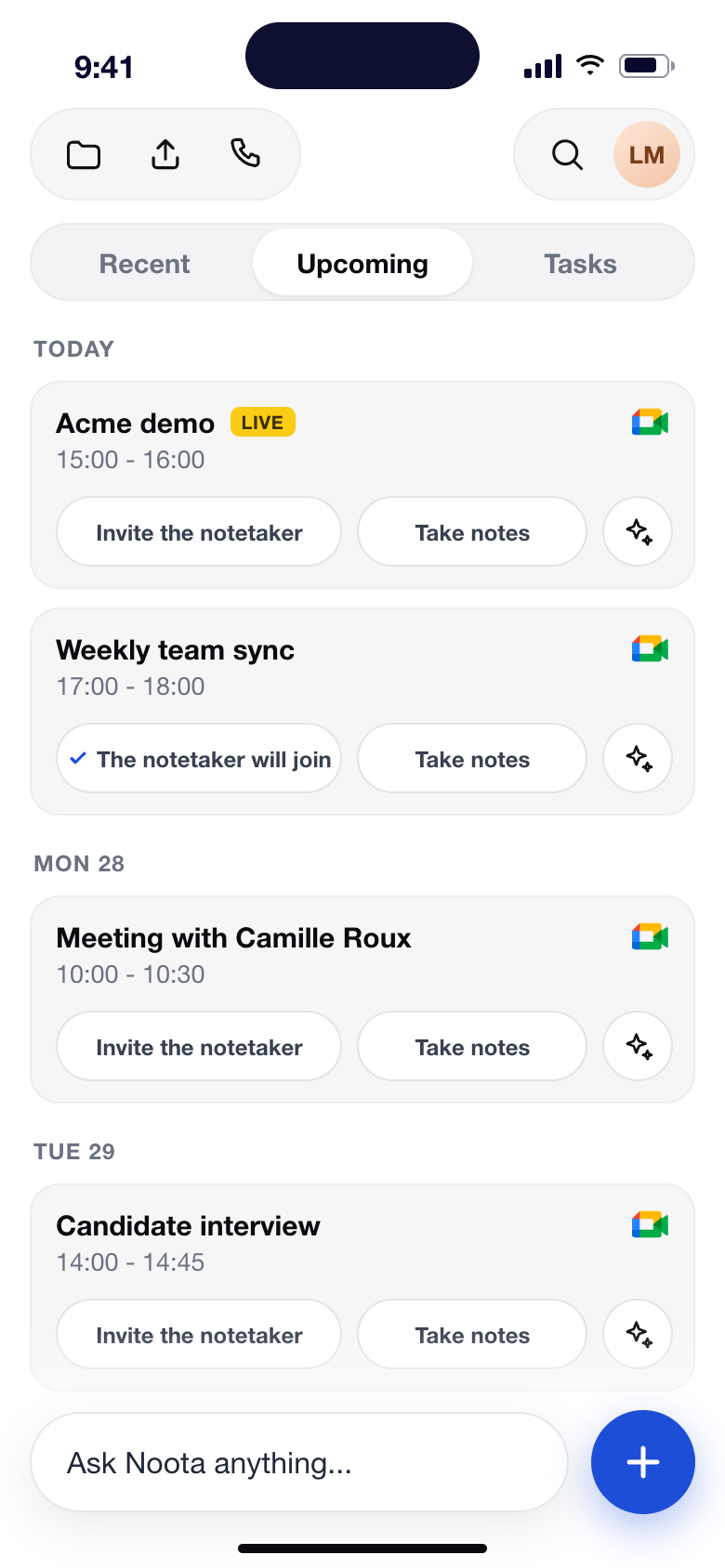
Noota reads your calendar and your inbox and writes a brief before every meeting: who is joining, what was said last time, and what is still open.

Listen, Noota takes the notes

It joins as a bot or records without one, on Meet, Teams, Zoom, the phone or in person. The transcript writes itself and action items are caught as they are said.

The follow-up is already done

Report, tasks and follow-up email are ready the moment the call ends, and your CRM, Slack and Notion are up to date. Ask Noota anything about it later.

Features

One assistant, wherever you work

Your next meeting, one click away

In your menu bar with the meetings of the day. Click Record, no bot joins. Free for Mac and Windows.

Face-to-face meetings, on your phone

Interviews, site visits, coffee catch-ups: record on your phone and get the same report. iPhone and Android.

Hosted in Europe. Your infrastructure, your call.

Hosted in Europe, GDPR compliant and run on ISO 27001 practices, with a SecNumCloud-compatible sovereign option when your security team needs one.

ISO 27001-aligned practices

ISO 27001 practices

GDPR compliant

Hosted in the EU

EU AI Act ready

SecNumCloud-enabled

Privately hosted AI

SSO & SAML

DORA alignment

Encrypted at rest and in transit

ISO 27001-aligned practices

ISO 27001 practices

GDPR compliant

Hosted in the EU

EU AI Act ready

SecNumCloud-enabled

Privately hosted AI

SSO & SAML

DORA alignment

Encrypted at rest and in transit

FAQ

Questions about Noota, the AI note taker

How Noota records and transcribes your meetings, what the reports contain, which tools it connects to, and how your data is protected.

All
Noota
Recording
Reports and AI
Integrations
Security
Plans

Still have a question? Talk to our team

What is Noota? An AI note taker and meeting assistant for your whole workday

Noota is an AI collaborator that records, transcribes and summarizes your meetings, calls and interviews, then does the follow-up work for you: structured meeting notes, action items assigned to the right people, follow-up emails and updates to your CRM or ATS.
‍

Unlike a simple AI note taker, Noota works before, during and after each meeting. It prepares a brief from your past calls and emails, captures the conversation on Google Meet, Zoom, Microsoft Teams, the phone or in person, and keeps everything searchable in one workspace. More than 200,000 users rely on it today.
‍

See the AI Notetaker

How does an AI note taker work, and why use one?

An AI note taker listens to a conversation, turns speech into a written transcript, identifies who said what, and uses AI to write a summary, key decisions and next steps. You stop typing during the call and stay focused on the people in front of you.
‍

With Noota, the meeting report follows the template you choose (sales discovery, recruiting interview, customer success review, one-to-one…), timestamps link every point back to the recording, and the follow-up email is drafted before you leave the call. Teams typically use it to save admin time and keep a reliable record of every conversation.

Does Noota work with Zoom, Google Meet and Microsoft Teams?

Yes. Connect your Google or Outlook calendar and Noota records your Zoom, Google Meet and Microsoft Teams meetings automatically, or only the ones you choose. You can also paste a meeting link to send Noota to a call that is not in your calendar.
‍

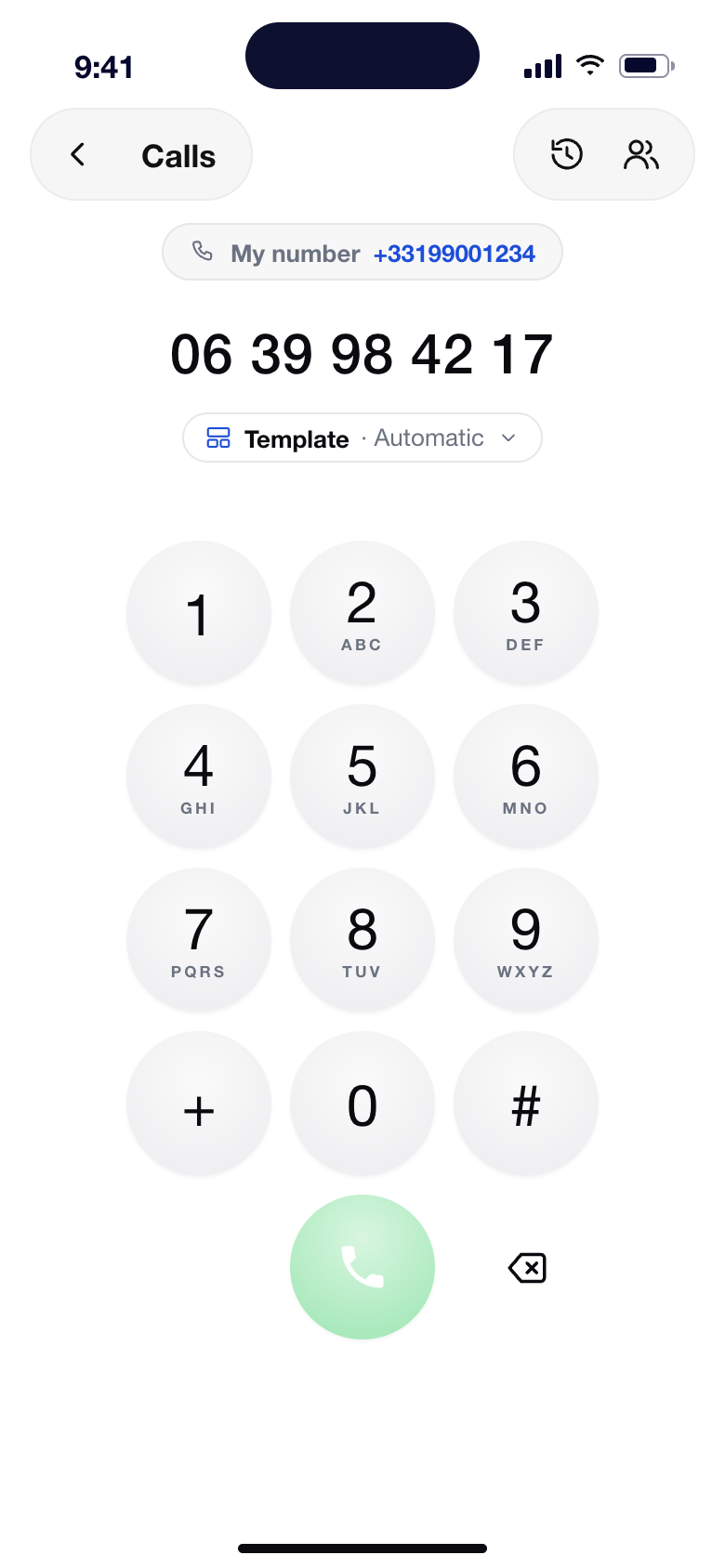
Noota also records phone calls from a dedicated business number and in-person conversations with the mobile app, so every conversation ends up in the same place with the same transcript and report.

Can Noota record meetings without a bot joining the call?

Yes. With the Noota Desktop app, meetings are recorded directly from your computer: no bot appears in the participant list, and you still get the full transcript, meeting summary and action items.
‍

If you prefer a visible assistant, Noota can also join as a bot. You choose, meeting by meeting, from your calendar or from the notification Noota Desktop shows a minute before each call.
‍

Download Noota Desktop - Mac

Download Noota Desktop - Windows

Can I transcribe an audio or video file I already have?

Yes. Upload an mp3, mp4, m4a, wav or webm recording from your Noota workspace: Noota transcribes it and writes the report in a few minutes.
‍

Start for free

Can I record and transcribe in-person meetings on my phone?

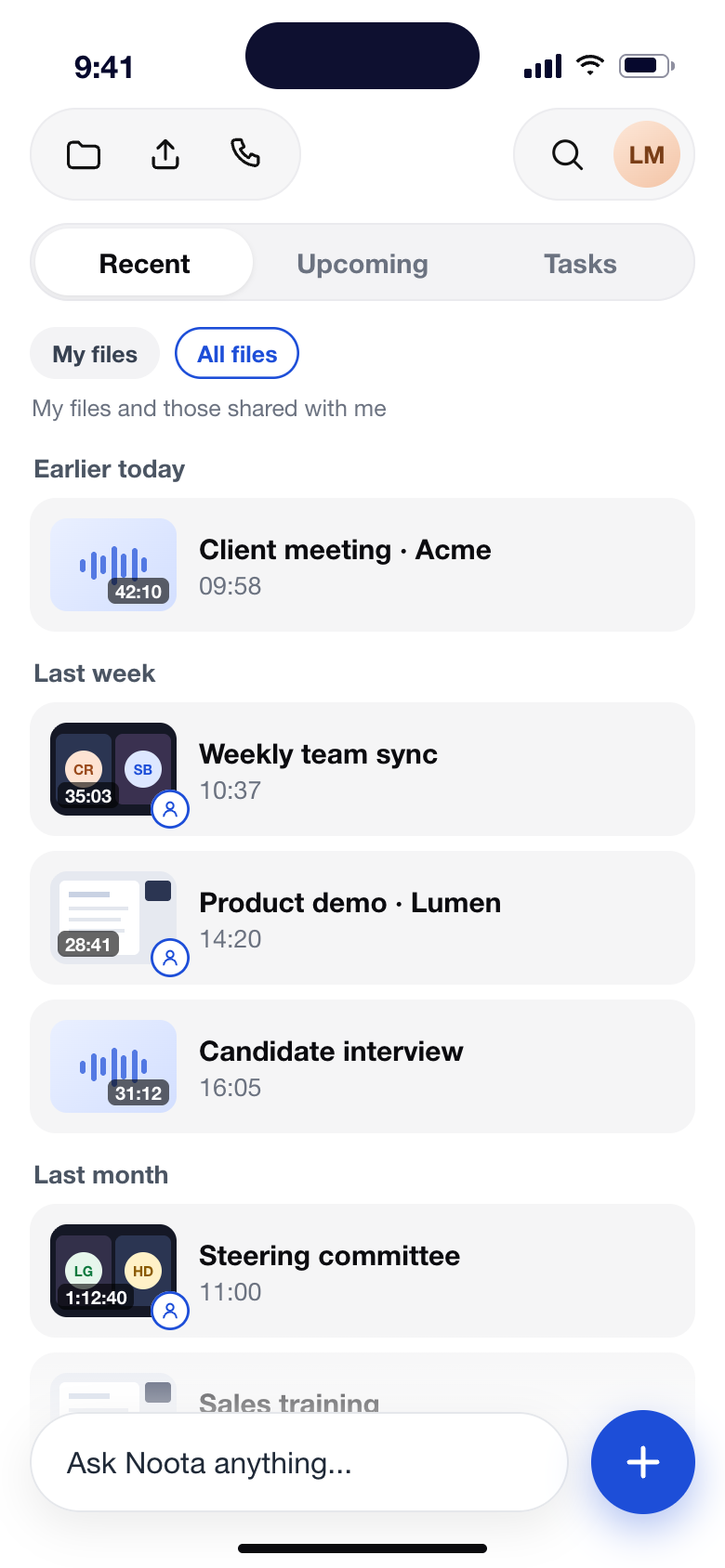
Yes. The Noota mobile app for iPhone and Android records interviews, site visits and face-to-face meetings, then produces the same transcript, summary and tasks as for your video calls. Everything syncs to your workspace, so your in-person conversations are searchable next to your online meetings.
‍

Download for iPhone

Which languages does Noota transcribe?

Noota transcribes meetings in many languages and detects the spoken language automatically, including French, English and Spanish. The meeting summary is written in the language of the conversation, and a report can be translated in one click when your team works across countries.

What does a Noota meeting report include?

Each report contains an AI summary, the decisions made, next steps with owners and due dates, and chapters of the conversation, with timestamps that jump to the exact moment in the recording. Depending on your template, it can also include a scorecard, speaker talk time and a ready-to-send follow-up email.
‍

Reports use your own templates: you can pick one from the library, describe a new one in plain language, or build it from an existing document.

Can I search my past meetings and ask questions about them?

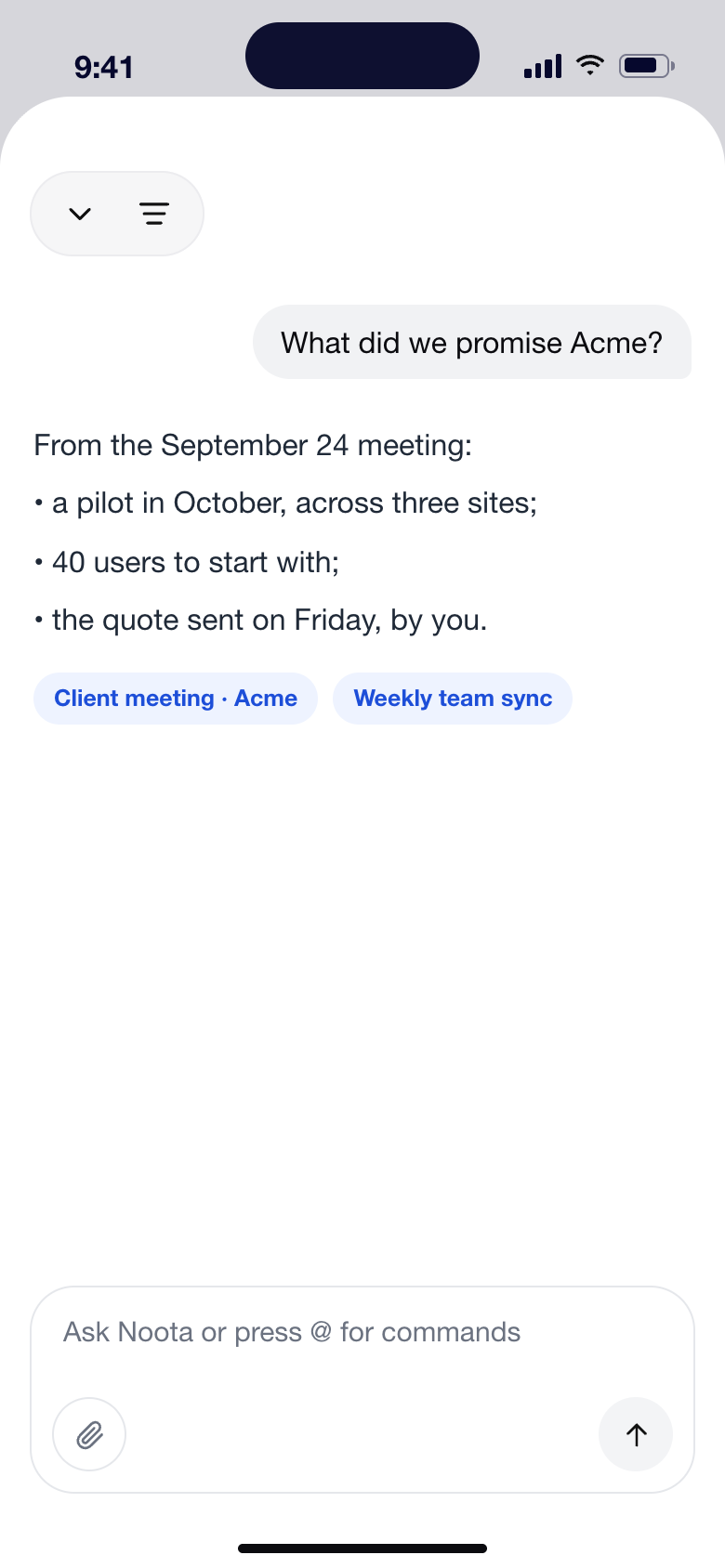
Yes. Ask Noota answers questions across all your meetings and emails, with the sources it used: “Prep my next meeting with Acme”, “What did we promise this supplier this month?”, “Draft a follow-up for today's sync”. Ready-made agents cover sales, recruiting, customer success and management, and scheduled actions deliver a digest automatically every week.
‍

See Ask Noota

Which tools does Noota integrate with?

Noota connects to your calendar (Google and Outlook), your email (Gmail and Outlook), video conferencing (Zoom, Google Meet, Microsoft Teams), more than 80 ATS and several CRMs, so notes and tasks land where your team already works. Reports can also be sent to Slack, Notion or Google Drive.
‍

Developers can use the Noota API and webhooks, and the Noota MCP server connects your meetings to AI assistants such as Claude.

Is Noota GDPR compliant, and where is my data hosted?

Yes. Noota is a European company and your data is hosted in Europe. Noota is GDPR and AI Act compliant, follows ISO 27001-aligned practices, encrypts data at rest and in transit, and offers a SecNumCloud-compatible architecture for organizations that need sovereign deployment.
‍

Permissions let you decide who sees each meeting, and you can keep reports private or share them with a link, a Slack channel or your CRM.
‍

Security and compliance

Is Noota free?

Yes, you can start with Noota for free, no card needed. Paid plans unlock more recording time, advanced integrations and team features, and larger organizations can book a demo to set up a dedicated deployment.


Start for free

‍See pricing

Your next meeting is probably today

Hand it over to Noota, it takes care of the rest.